How to Convert Video Formats Online (Beginner’s Guide)
Introduction: Why Video Formats Matter

When you tried to show your travel video to your friends, but suddenly that “File format not supported” message popped up on the screen. It was so frustrated! And somtimes you tried to upload a high-quality clip to YouTube, and it looked like a blurry mess? Do you know why?The same video works on my phone—so why won’t it play on my PC?
Actually,video files come in various "flavors" called formats.Different devices, apps, and platforms prefer different formats. When the format doesn’t match the requirement, the video may not play, upload, or edit properly.
That’s why we sometimes have to convert video formats — so it will actually play or work where we need it to.
In this beginner’s guide, we will break down the complex world of video files into simple language, explain video formats in simple terms, walk through common formats, and show you how to convert videos online step by step—no tech background needed.
What Is a Video Format?
Maybe you can think of a video format like a container or box. Inside that box are the video image, sound, and other data. The format decides how that data is stored and read. To make matters slightly more technical (but still simple!), inside these boxes, the data is compressed using something called a Codec. You don't need to know it.
Some formats are designed to:
Work well on the web
Keep file sizes small
Be compatible with editing software
Play smoothly on certain devices
You don’t need to understand the technical details. What matters is this: If the platform can’t read the box, it can’t play the video.
That’s why changing or converting video format can solve so many problems.
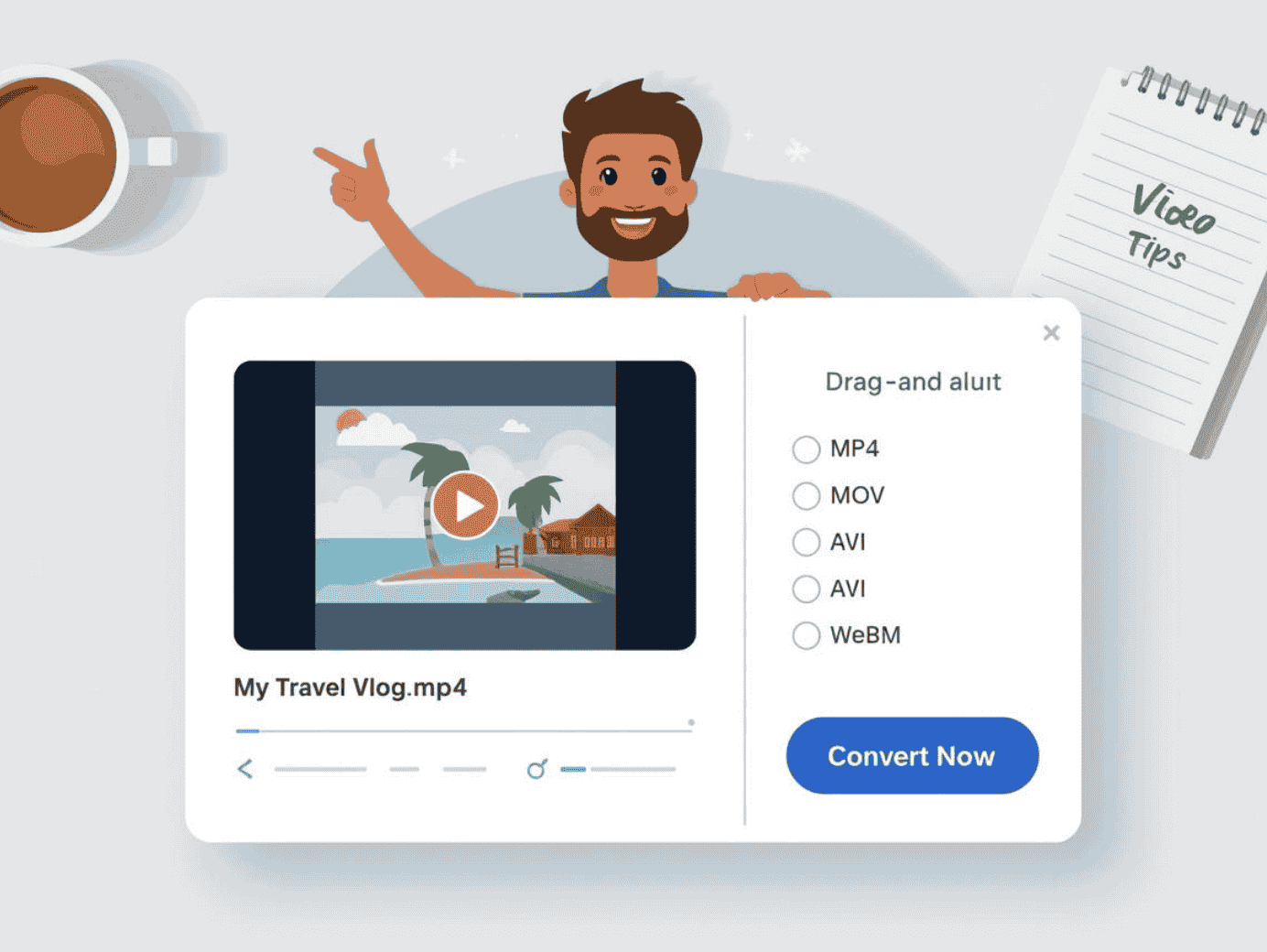
Common Video Formats Explained(Which One Should You Use?)
Maybe you’ve seen three or four letters at the end of your file names in daliy life. These extensions tell you what kind of "container" you are dealing with. Here are a few common ones you’ll probably run into when working with videos.
MP4 (.mp4) – The Universal King
Best for: sending via email, and playing on almost any smartphone or smart TV.
MP4 is the most widely used video format today. You’ll see it on:
YouTube
Instagram
TikTok
Most websites and smartphones
If you’re not sure which format to convert to MP4 is usually the safest and most suitable choice.
MOV(.mov) – The Apple Specialist
Best for: High-quality editing on a Mac. Windows users often need to convert it online to MP4 to view it.
MOV is commonly used by:
iPhone videos
macOS users
Apple’s editing software like iMovie or Final Cut
MOV files often have good quality, but they can be larger and sometimes don’t work well on non-Apple platforms.
AVI (.avi) – The Reliable Veteran
Best for: Older Windows systems
AVI is an older format mainly associated with Windows. It can have high quality, but:
File sizes are often large
Not ideal for web uploads
Many people need to convert AVI videos to MP4 to make them easier to share.
MKV (.mkv) – The "Everything" Bagel
Best for: High-quality videos and subtitles,Advanced home cinema setups.
MKV is often used for:
Movies
Videos with multiple audio tracks
Subtitle support
But,some websites and devices does not support MKV directly, which is why people often change MKV to a more common format.
Why Convert Video Formats?
Instead of talking about abstract reasons, let’s look at real people how to use. Most of us don't do it for fun; they do it because they've run into a digital "brick wall."
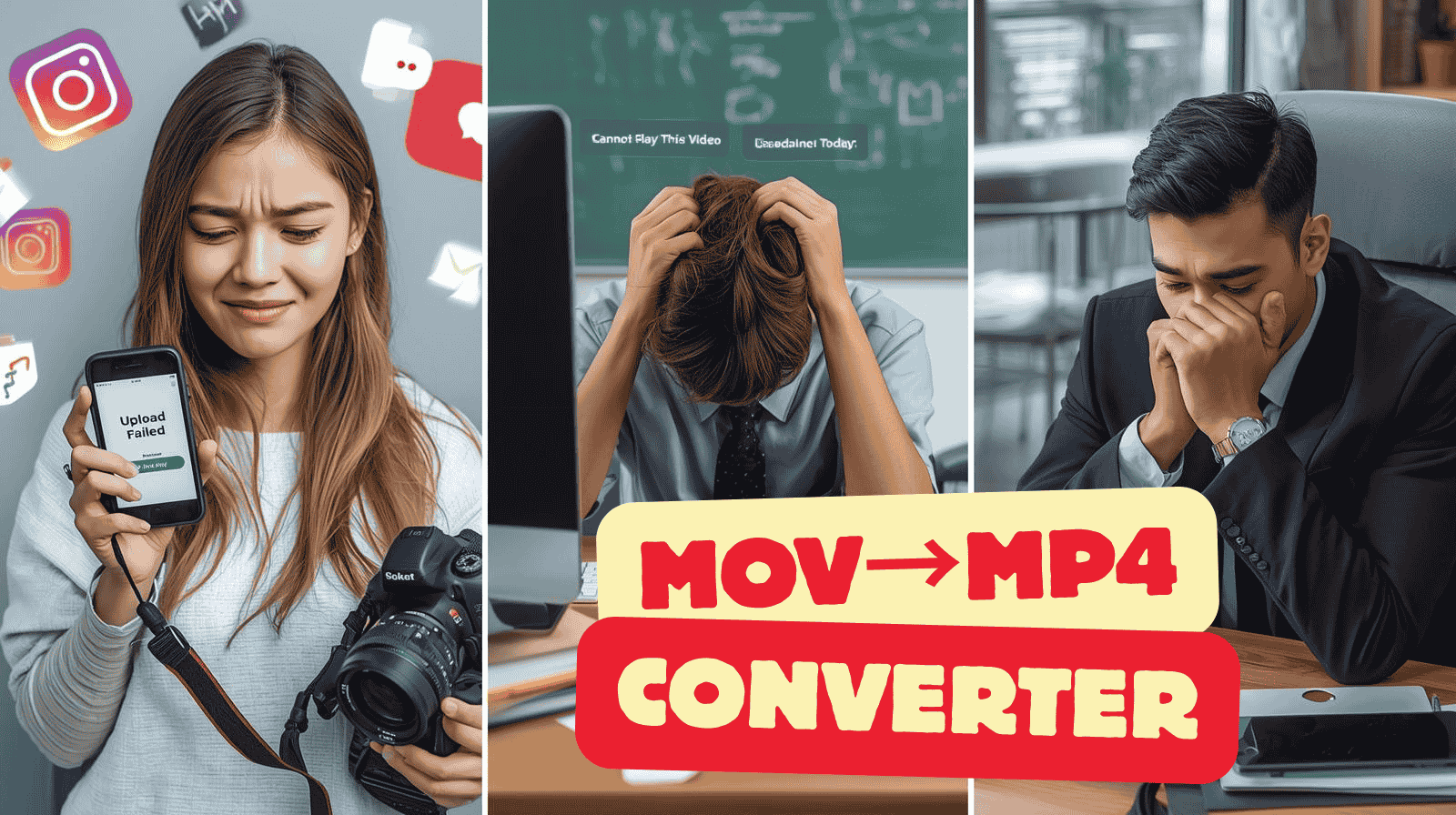
Scenario A: The Frustrated Social Media Creator
Problem: Sarah filmed a beautiful 4K vlog in MOV format. Instagram but crashes or pixelates the video,and YouTube recommends MP4 for best compatibility.
Solution: Convert the file to MP4 with a smaller size. Instagram can handle it better, keeping the video crisp.
Scenario 2: The Student with a Deadline
Problem: David recorded his final project on a Mac (.MOV). The classroom PC is Windows, and it won't open.
Solution: Use an online video converter to repack it into MP4. Works perfectly on classroom PC.
Scenario C: Video Format Compatibility at Work
Problem:Your sent a video in AVI or MOV format to your client or colleague,But they can’t open the video in their computer.
Solution: So, You need to onvert the video to MP4 or others, MP4 is a widely supported format that works across most devices, email systems, and collaboration tools.
In short, people needs to convert videos online to sovle problems and more compatibility.
How to Convert Video Formats Online (A 3-Step Guide)
For beginners, the easiest solution is using an video converter online. You don’t need to install anything, and most tools work directly in your browser.
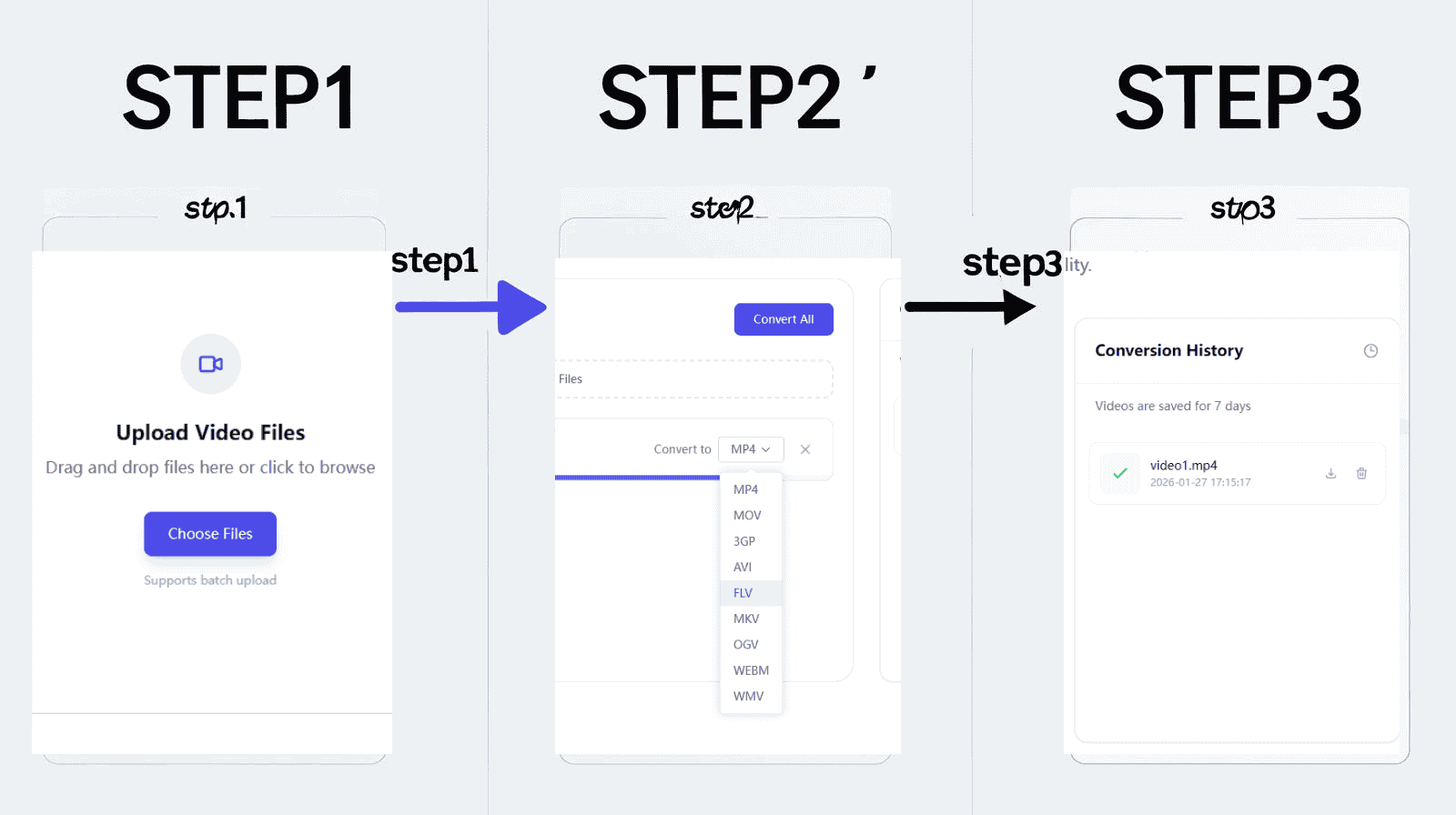
Step 1: Upload Your Original File
Open your browser(Google)and navigate to an online video converter. Click "Choose File" or drag your video into the upload area. You can also upload multiple files at once.Our video converter tools support MP4, AVI, MOV, MKV, WebM Formats.
Step 2: Select Your Target Format
For most users, select MP4. If you only need the audio, choose MP3 to extract the soundtrack.
Step 3: Convert and Save
Click "Convert." Processing time depends on file size. When done, download the new file.
That’s it.If you’re looking for a simple way to change video format online, you can try our online video converter designed to handle multiple formats in one place.
Online vs Desktop Video Converters
| Online Converter | Desktop Software |
|---|---|
| No installation | Needs installation |
| Works in browser | Uses local resources |
| Great for beginners | More options, more complex |
| Easy and fast | Better for advanced users |
For most beginners, online tools are more than enough.
Will Converting Video Formats Reduce Quality?
Sometimes, but not always.
Quality depends on:
The original video
The output settings
The tool you use
Most modern online video converters are designed to keep quality as close to the original as possible. For everyday use—uploads, sharing, viewing—the difference is often unnoticeable.
FAQ: Beginner Questions About Video Conversion
Is it free to convert videos online? Our video converter tools are free options, especially for basic conversions.
Do I need to create an account? No. Our video converter online tools work without signup.
Which format should I choose if I’m unsure? MP4 is usually the safest choice for you.
Can I convert videos on my phone? Yes. Most online converters work on mobile browsers.
Are online video converters safe? Reputable tools use secure connections and delete files after processing.
How long does conversion take? It depends on file size and internet speed, but small videos usually take minutes
Conclusion
Video formats does nott have to be confusing. Once you understand that different platforms prefer different formats, converting videos online becomes a simple things.
If you ever run into playback issues, upload errors, or sharing problems, changing the video format is often the easiest fix. With a beginner-friendly video format converter, you can handle it in just a few clicks.
Try converting a video yourself and see how much smoother things become.